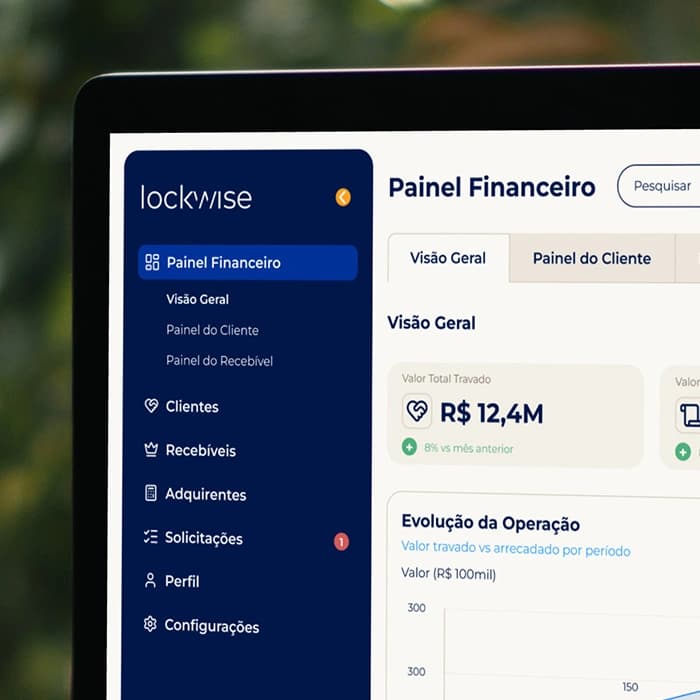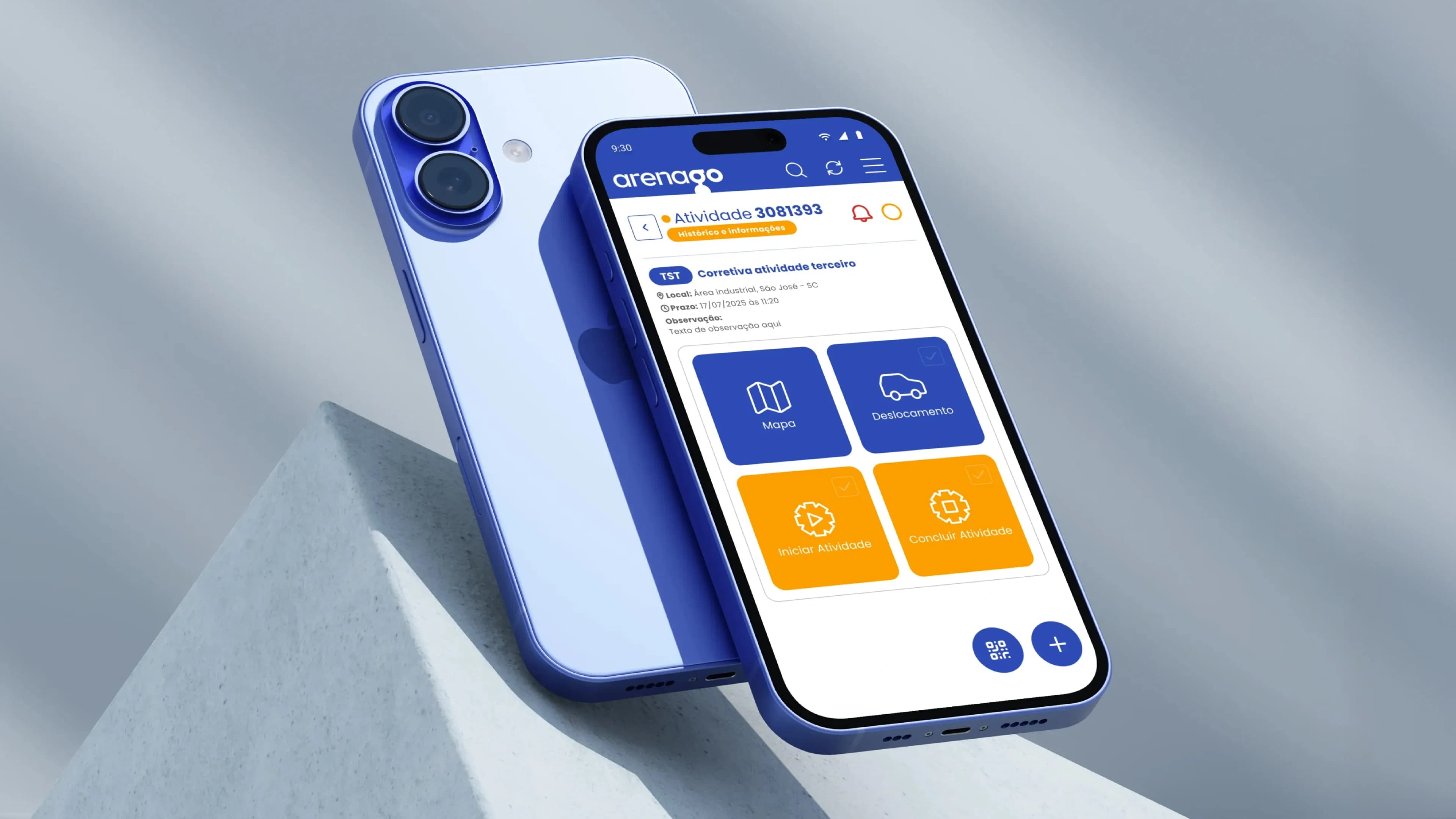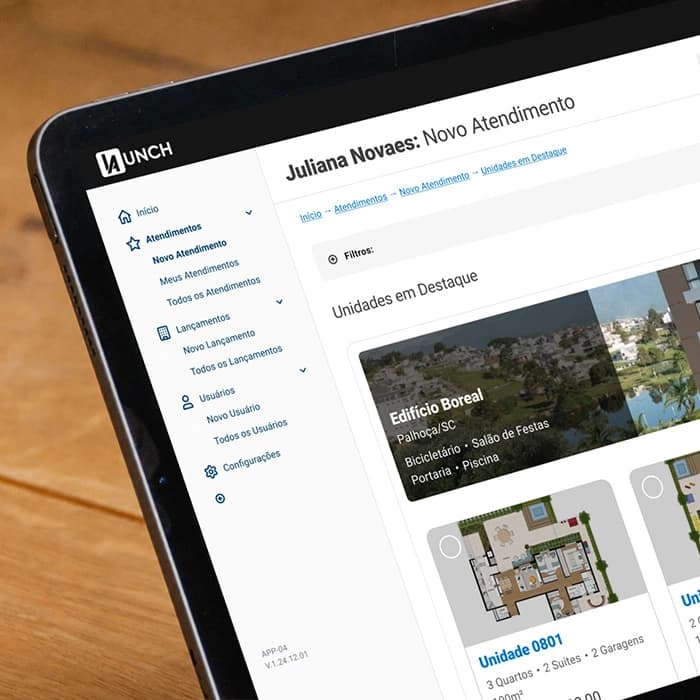
Developed in partnership with Plathanus
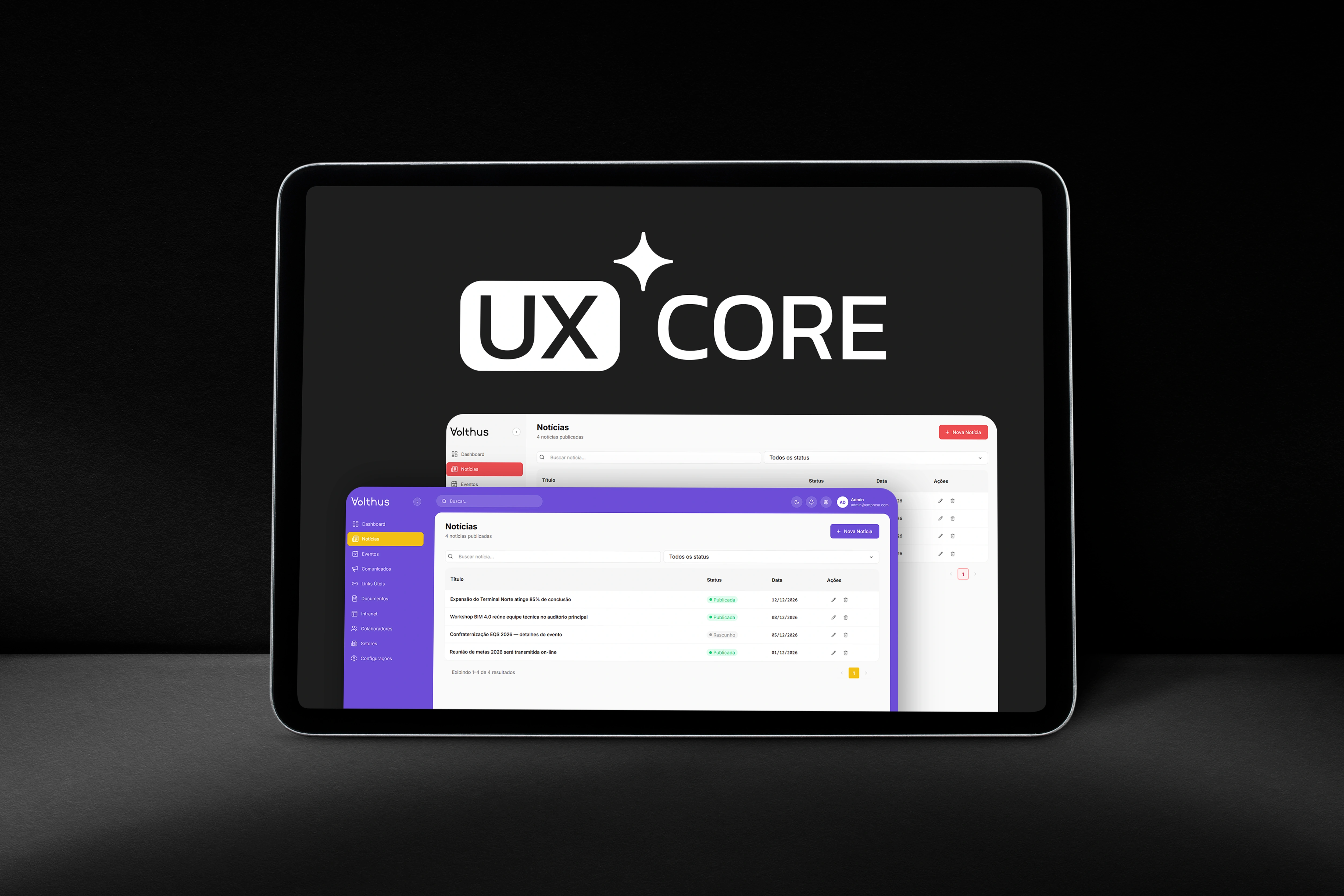
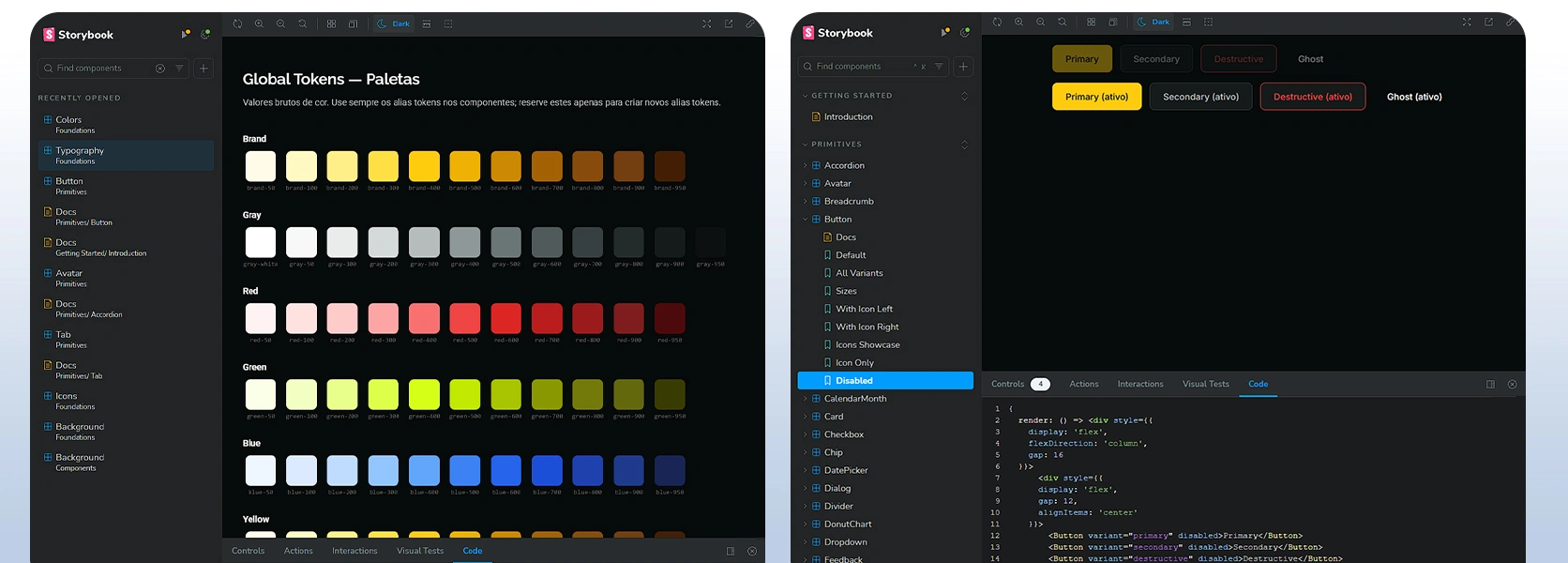
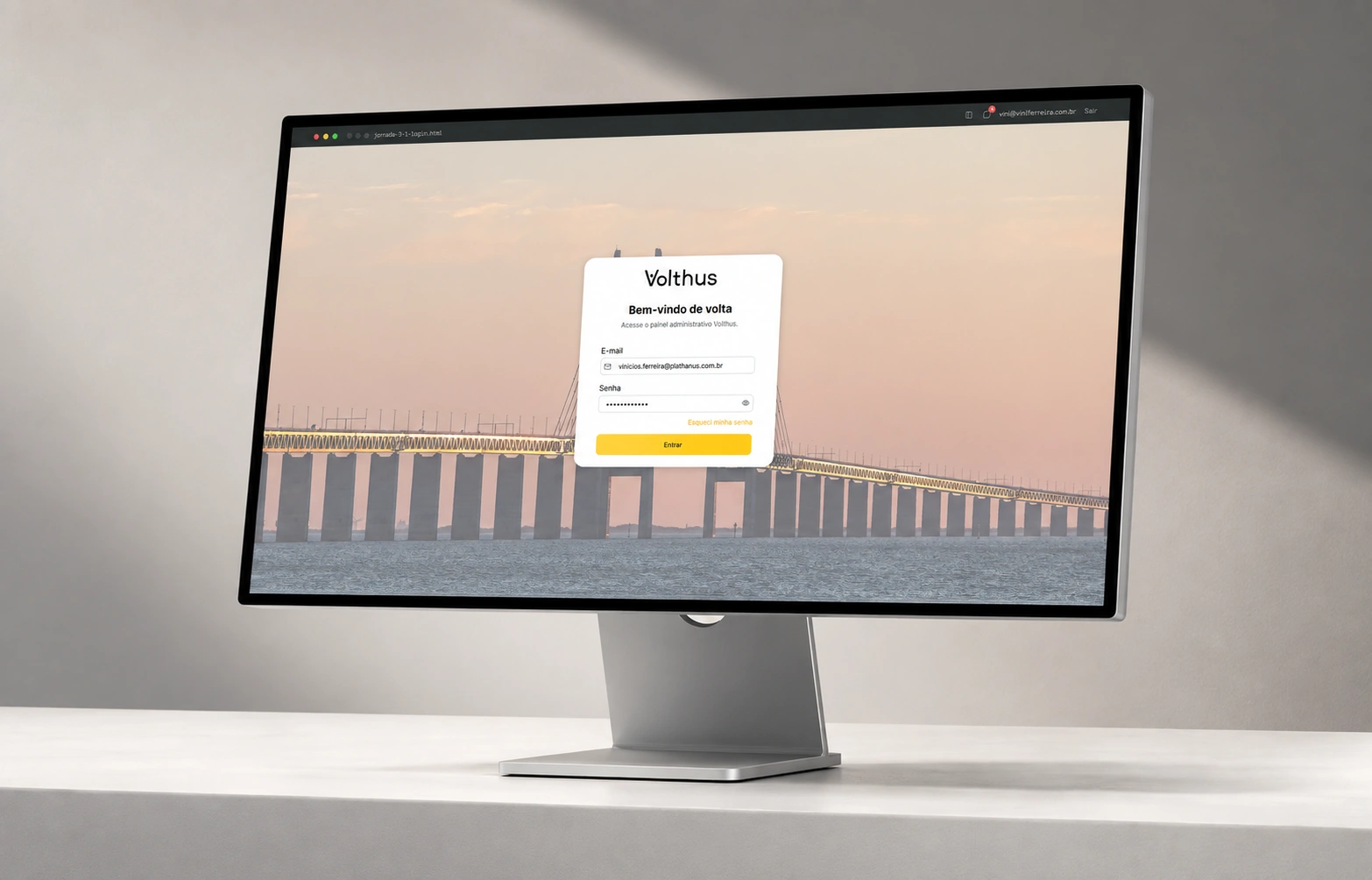
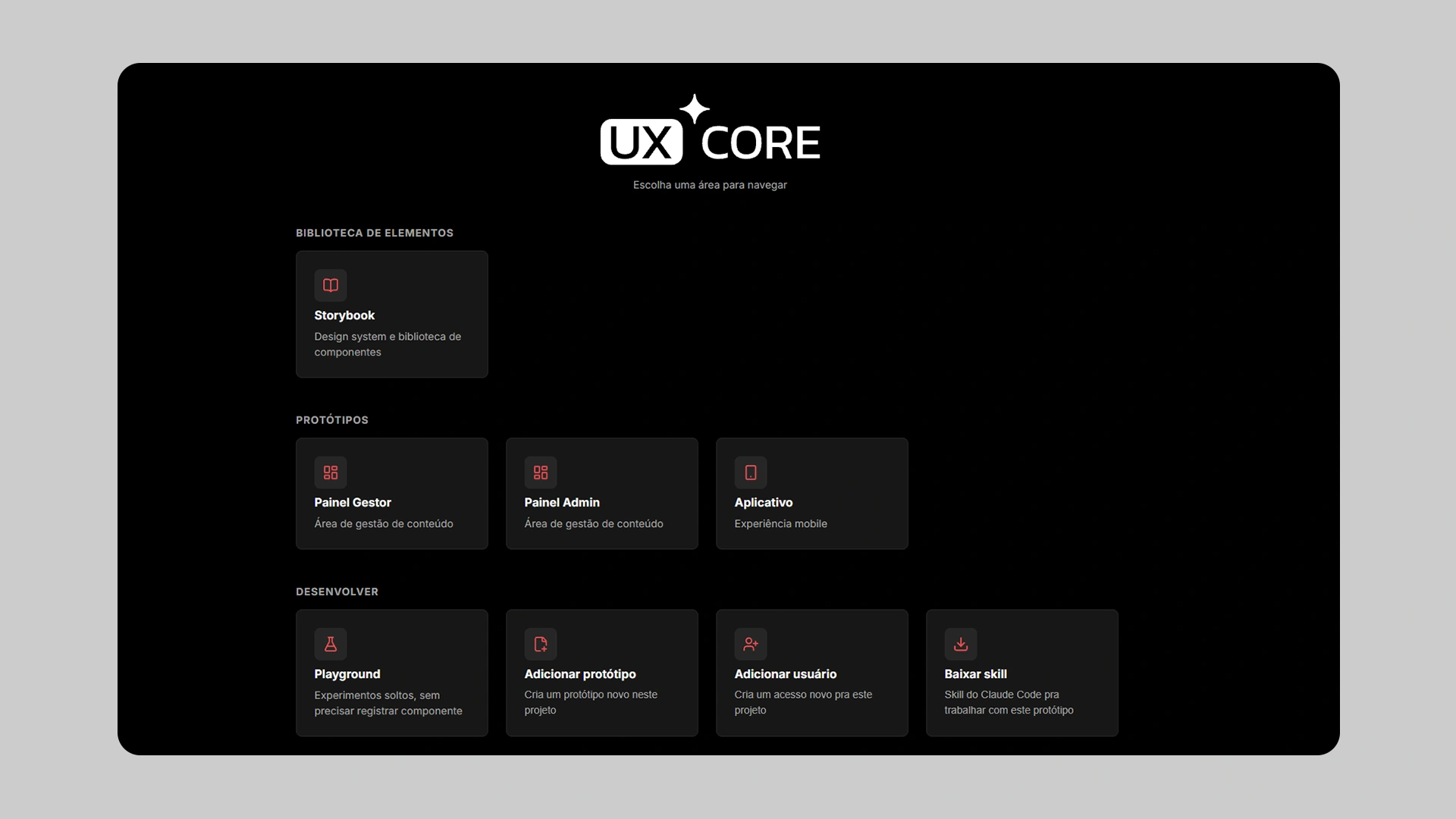
UX Core is a method for accelerating digital product project delivery, built under my leadership within Plathanus's design team. It rests on two pieces: a base system that initializes and manages every new project, bringing the component library, Storybook documentation, and prototypes together in one place; and a skill built from scratch that guides AI in building screens and ensures design system consistency across every one of them. The result is high-fidelity prototyping delivered in code.
The strategic stages of our projects — discovery, market research, information architecture — were already being accelerated with AI. The next stage, building the design system and prototyping every screen in high fidelity, remained entirely manual and had become the longest part of the project. What that stage delivered was the project's Figma file: well organized, documented, and structured, but not yet in code — development had to translate it line by line, and the client would sign off without being able to actually use it.
The design team identified that these stages were taking too long and began exploring how to use AI as a production tool without losing quality. That was the challenge: shortening the timeline while keeping the design system consistent and the designer in control of every visual decision.
I separated what was already solved with AI in the strategic phases from what was still manual, and found that the bottleneck wasn't deciding how the project should look — it was repeating that decision across dozens of screens.
The natural path was to keep Figma at the center and bring AI into it, so I connected Claude Code to Figma via MCP. It worked, but token consumption was too high for what each task delivered, and finishing an entire project that way would get expensive. That's when I considered the opposite approach: instead of making AI work inside Figma, take Figma out of that step.
I took Figma out of that step and split the work into three sets, each built in code: a folder that registers components in place of the library, Storybook reading that folder in place of documentation, and screens built as frontend in place of the prototype.
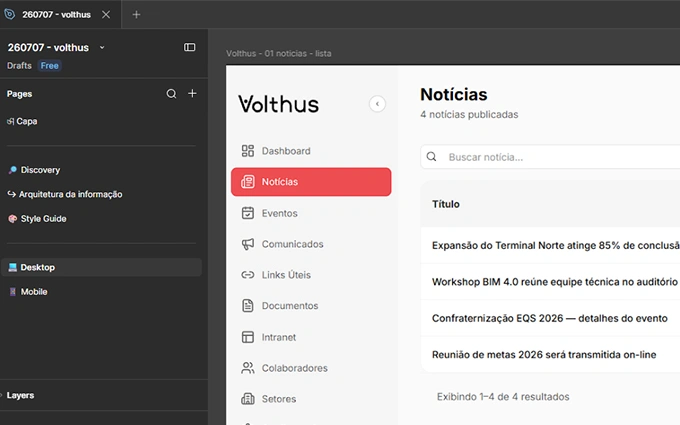
I decided that visual direction would still belong to the designer. I hand-design one complex screen of the project in Figma, with the client's visual identity, and that's the screen AI extracts the entire design system from.
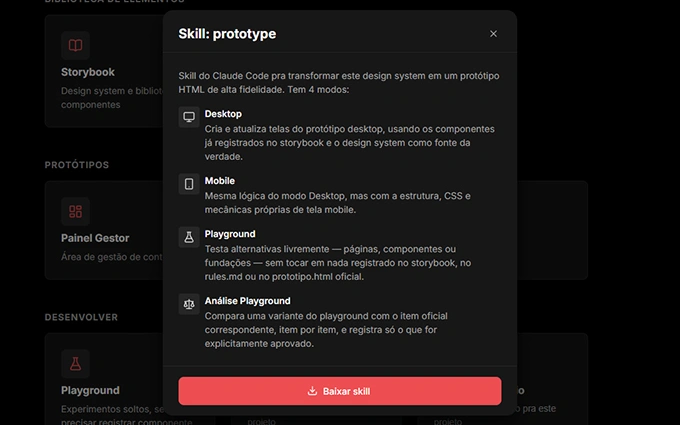
I built a skill with the project's rules: check the library before creating anything, wait for approval, respect atomic design hierarchy, and register every new screen on the prototype page.
After three projects delivered this way, the limits became clear: cloning the previous project left leftovers, testing a change overwrote what was already approved, and anyone with the link could see everything. I turned the method into UX Core, with a clean base, a playground, and per-user access.
projects delivered by the design team using the method.
reduction in delivery time: from about 3 months to 3 weeks.
of screens delivered in code, with components documented in Storybook.
Visual direction is never asked of the AI. I hand-design one complex screen in Figma, with the client's visual identity, and that's the screen the client signs off on. From it, AI reads color, spacing, radius, typography, and icon tokens and assembles the design system. The designer decides what the project looks like; AI takes care of repeating it consistently across every following screen.
I describe the project context and everything the screen needs. The skill compares the request against the library and returns two lists — what already exists and what needs to be created — and nothing is generated before approval. It also respects atomic design hierarchy: before creating a button with an icon, it checks whether the icon library exists, because the atom comes first.
The goal was time, but the bigger win was something else. Along with the shorter timeline came a frontend ready for development and a prototype the client actually uses instead of imagining. It was a side effect of changing the delivery format, not something planned from the start.
The time savings didn't come from AI alone, either — it came from the rules. The skill is what forces checking the library, requesting approval, and respecting component hierarchy before creating anything. Without that, AI produces volume, not a system.
Figma is still part of the process, and it's still where visual direction gets decided. The gain came from removing it from the step where it had become a bottleneck. And almost everything that separates the first version from the current one came from a problem found on a real project. The next step follows that same line, bringing the prototypes closer to production code with React and Tailwind.
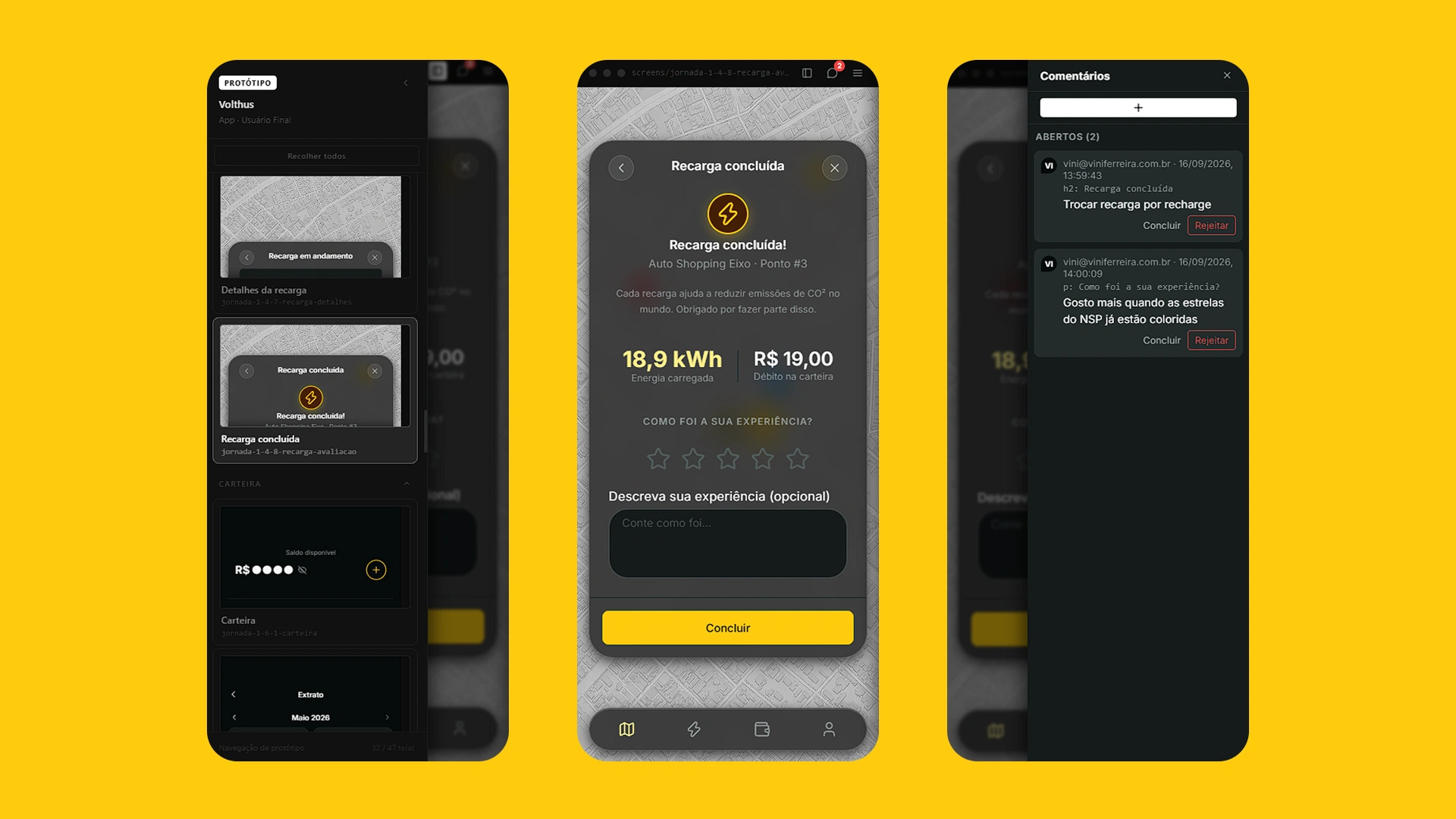
UX Core is a bridge between whoever builds the product and whoever will live with it. On one side, the team gains organization, automation, and speed. On the other, the client gets a component library documented in Storybook, a frontend in code ready for development, and a prototype that behaves like the product they'll end up with, not a representation of it.
Every project started in UX Core delivers the component library, design system documentation, navigable prototypes with client comments, access control by user and category, and the skill with its working modes: Desktop, Mobile, Playground, and Playground Review.
Whether you want to launch a business with a strong presence or take your company to the next level, I can help. For a one-off project or an ongoing partnership, click below and let's talk — I'm confident I can add real value to your team!
GET IN TOUCHCookies
I use cookies to understand how people browse this site and improve it.